Congratulations on Joining the 21st Century!
Congratulations on your brave decision to embrace online webinars, remote corporate trainings, and digital masterclasses! Because clearly, your decades of hard-won real-world experience, common sense, and face-to-face communication skills were just holding you back.
Welcome to the Digital Dark Ages. Whether you're a Gen Xer quietly reminiscing about cassette tapes or a Boomer wondering why everything has to be stored in an ethereal "cloud," here is your official, battle-tested survival guide.
Skill #1: Master the "Where the Heck Is My Cursor?" Dance
There comes a moment in every video conference where you need to click a button, but your cursor has vanished into an alternate dimension across your multi-monitor setup. The trick is to maintain intense, visionary eye contact with your webcam while frantically shaking your mouse under the desk like you're trying to start a campfire with sticks.
Skill #2: The Tragedy of the Mute Button
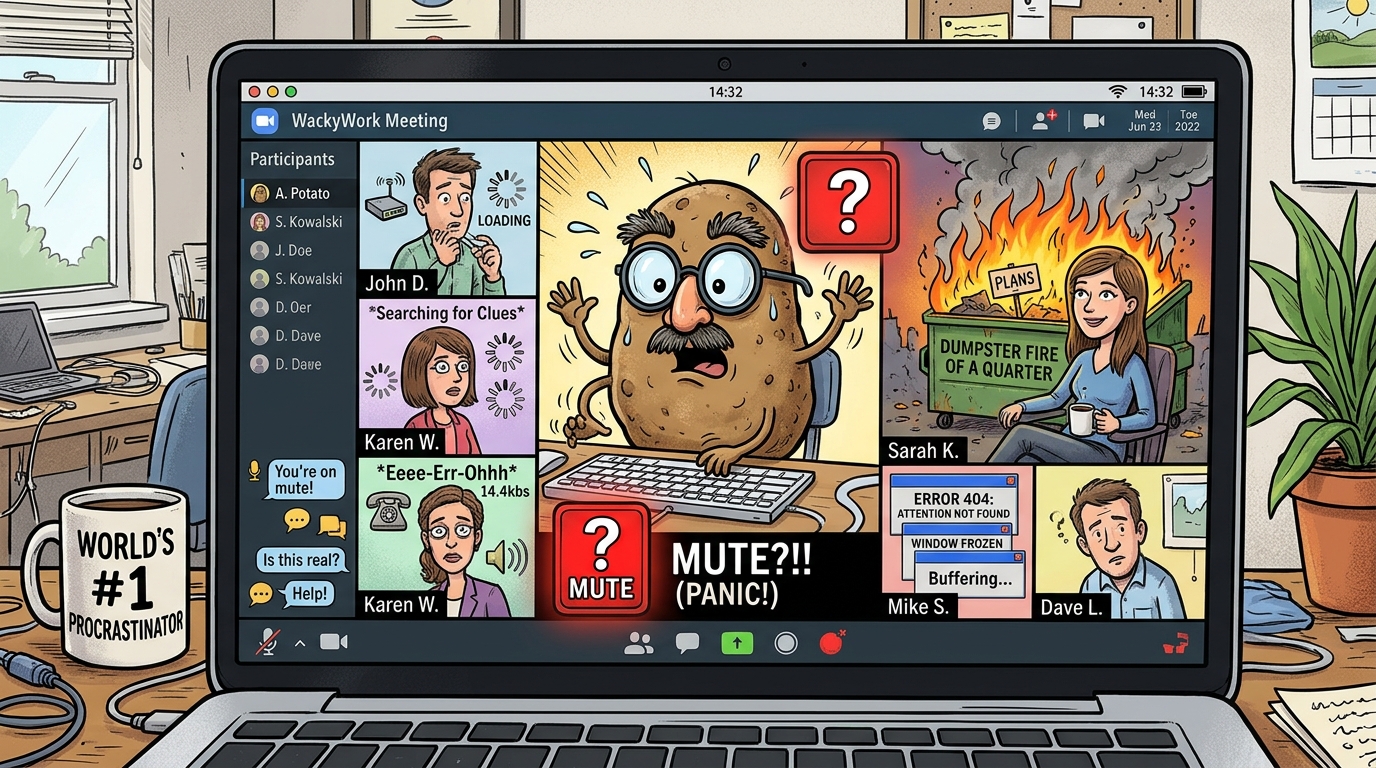
Nothing says "I am an agile digital native" quite like giving a brilliant, passionate 4-minute presentation while completely muted, followed by your colleague saying: "John, you're on mute."
Then begins the 45-second frantic scramble to find the unmuting icon, accidentally toggling your webcam off, turning on high-contrast accessibility mode, and accidentally enabling a filter that transforms your face into an animated baking potato with an Italian mustache.
Skill #3: The "Thoughtful Nod" Technique
When someone is droning on about cross-functional OKRs in slide 47 of an 80-slide deck, you must deploy the Thoughtful Nod. Tilt your head 15 degrees, furrow your brow slightly, and nod slowly every 8 seconds. To everyone else on Zoom, you look like a deeply engaged corporate strategist. In reality, you are mentally cataloging every single 1980s synth-pop hit or wondering what kind of cheese to buy for dinner.
Skill #4: Intergenerational Tech Support
When you cannot log into the webinar because two-factor authentication sent a 6-digit code to an iPad currently buried under couch cushions, do not panic. Simply yell for your 11-year-old child or grandkid. In less than 12 seconds, they will bypass the corporate security firewall, fix your audio drivers, and change your desktop wallpaper to a dancing cat meme without looking up from their Nintendo Switch.
Skill #5: The Invisible Dog in the Router
When you were in grade school, the classic excuse was: "The dog ate my homework." In the digital era, the dog has evolved into an invisible electrical gremlin that lives inside your Wi-Fi router.
Called on to answer a question you didn't prepare for? Simply freeze in mid-sentence, mouth the words silently with a delayed expression, and pull the Ethernet cord from the wall. "Sorry everyone, ISP outage in my sector!" Works 100% of the time, 60% of the time.
Skill #6: Virtual Background Connoisseurship
Never attend a meeting with your real bedroom or home office background. Why let your colleagues see your pile of unfolded laundry when you can dial in from:
- The bridge of the Starship Enterprise.
- The surface of Mars during a sandstorm.
- An animated cartoon dumpster fire (which accurately mirrors the Q4 sales forecast).
Marketing Tools That Don't Require an Engineering Degree
Tired of overcomplicated enterprise platforms with 9,000 confusing menus? FBAnalyzer is designed for straightforward clarity: punch in a competitor or niche, and see their exact winning Facebook ads in seconds.
Try FBAnalyzer Simple Ad SearchSpy on Winning Competitor Ads with FBAnalyzer
Stop guessing what works. Uncover active competitor ads, winning hooks, and profitable creative angles in real time.
Analyze Competitor Ads Live →